Word Search Studio
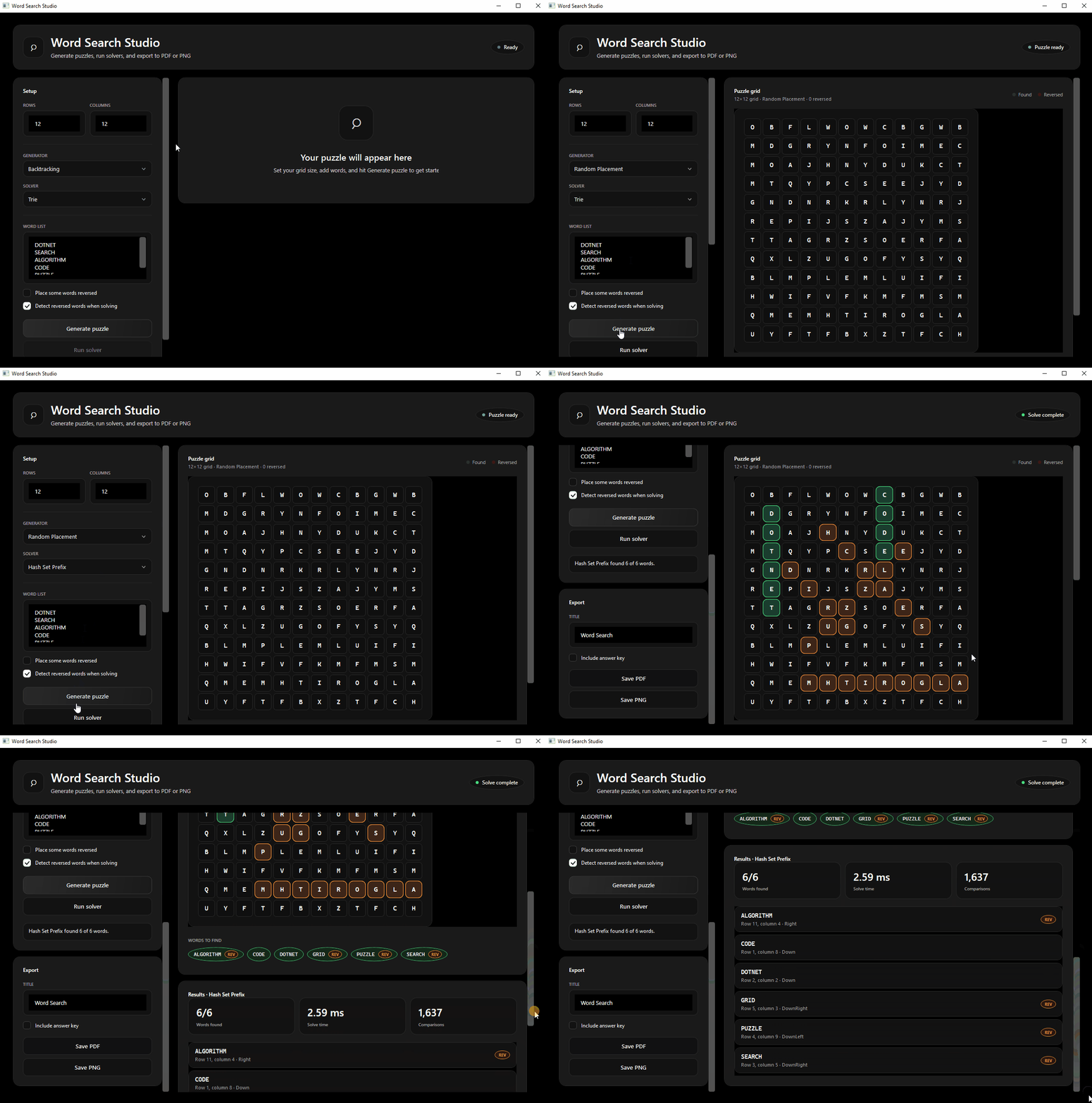
Full workflow: configure the grid, generate a puzzle, run the trie solver, and see found words highlighted on the grid.
Project Overview
Word Search Studio is a C# toolkit for generating, solving, and exporting word search puzzles. It ships as a shared core library with a dark-themed WPF desktop app and a command-line interface for scripting and benchmarking.
The project compares multiple algorithms side by side: from brute-force grid scans to trie-based prefix search: and records timing and comparison counts so you can see how each approach scales on larger grids.
Key Features
- Two generators: backtracking (constraint-based) and random placement
- Three solvers: brute force, trie, and hash-set prefix search
- Reverse words: optional backward placement and detection on the grid
- Export: printable PDF and PNG output with an optional answer key
- Desktop UI: generate puzzles, solve, highlight found cells, and export from WPF
Architecture
All logic lives in WordSearch.Core. The CLI and WPF app are thin clients that call the same generator, solver, and export APIs: keeping algorithm code testable and reusable.
Screenshots
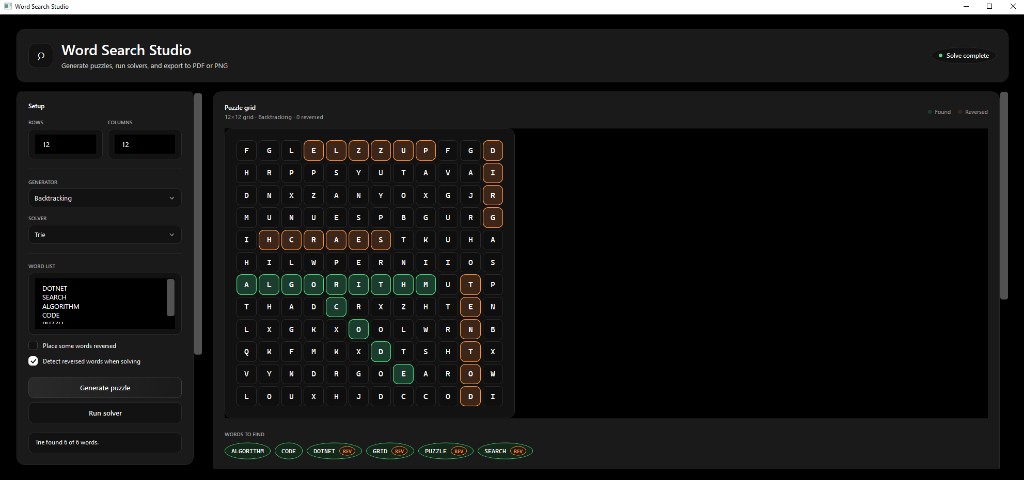
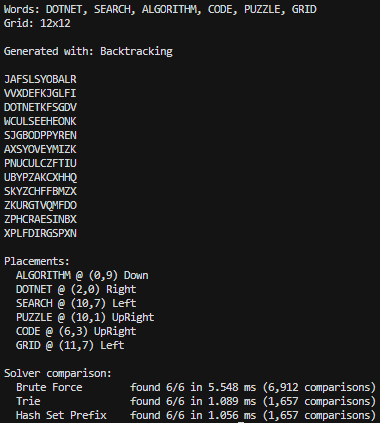
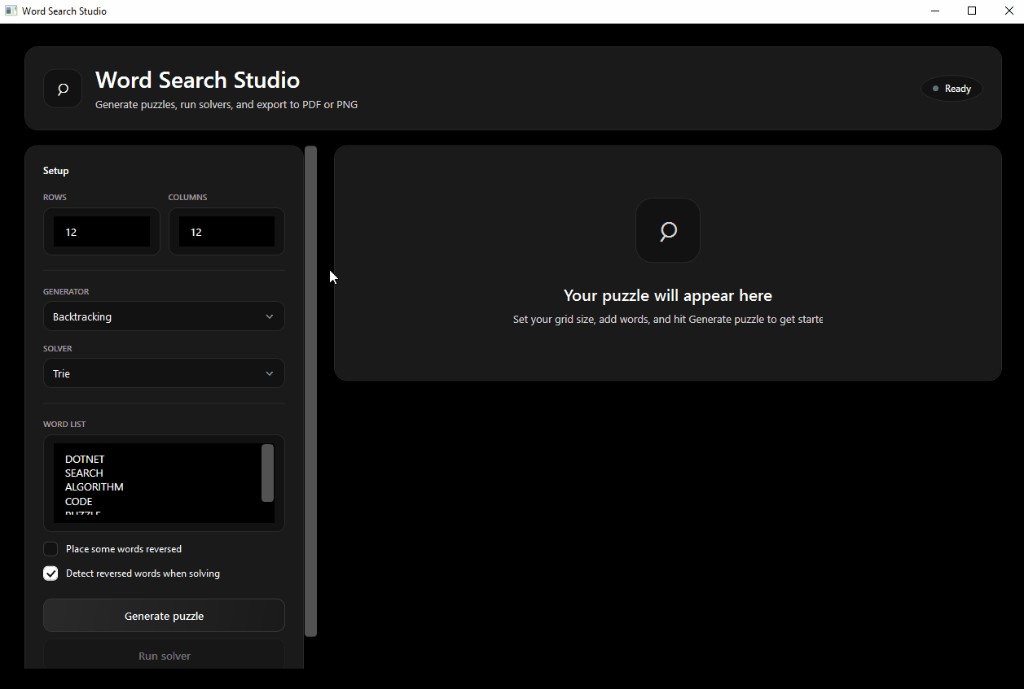
Repository
Click the ▶ arrows or folder names to expand and collapse. Use Expand all / Collapse all in the toolbar.
Download
Get the Windows desktop app: generate puzzles, run solvers, and export to PDF or PNG.